
Screen Repair
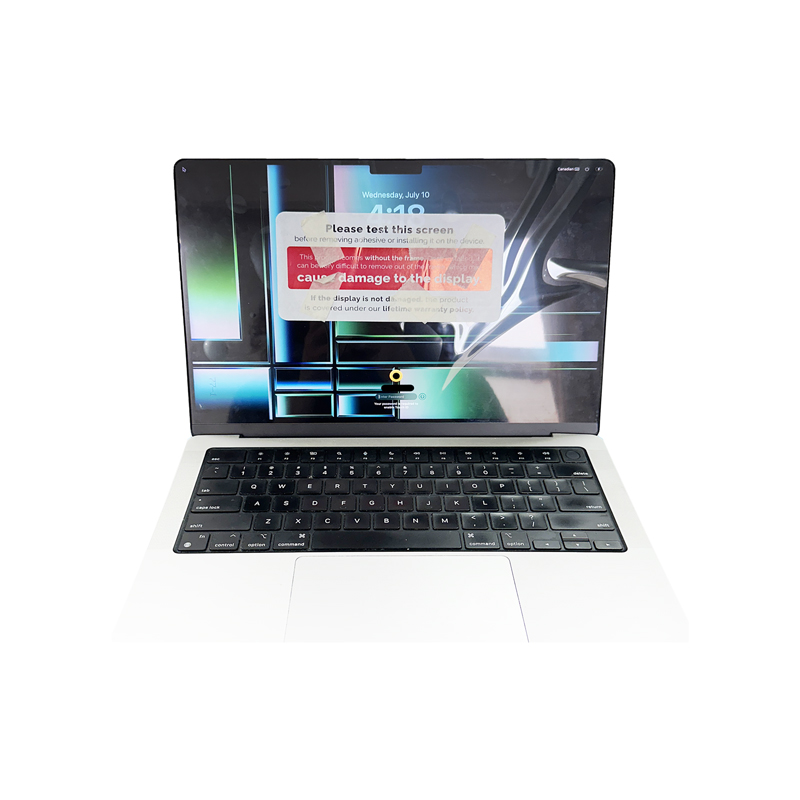
MacBook screen has 5 key components to it and any of these components can be damaged after an incident, this will determine whether if you need:
Here is the breakdown:
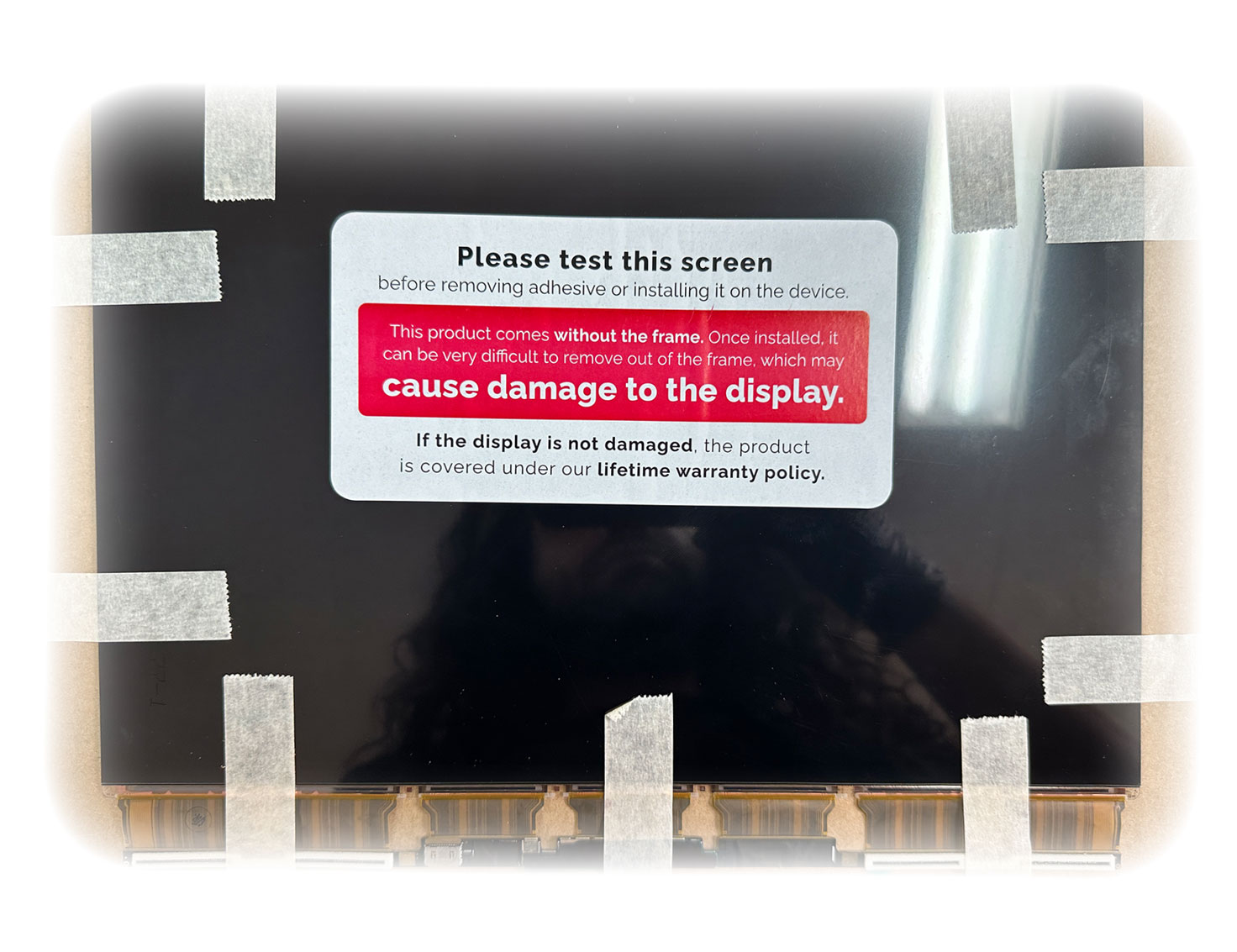
Pros & Cons : Option 1
Pros
In most cases, this is the cheaper option (except some models that require transferring of the IC chips), You get to keep your original casing and backlight sheets and camera. In some of the cases such as A2442 model, this used to be the ONLY option since entire display assembly replacement without limitations was not possible at this time.
Cons
Longer turnaround time of repair, minor backlight sheet damages/brighter or darker spots on the image, especially where the original impact was or where the cracks have opened up or on the edges where LCD is pushed back against the backlight sheets or stuck to it. If there are dents on the display assembly shelling, this may not be a good option.
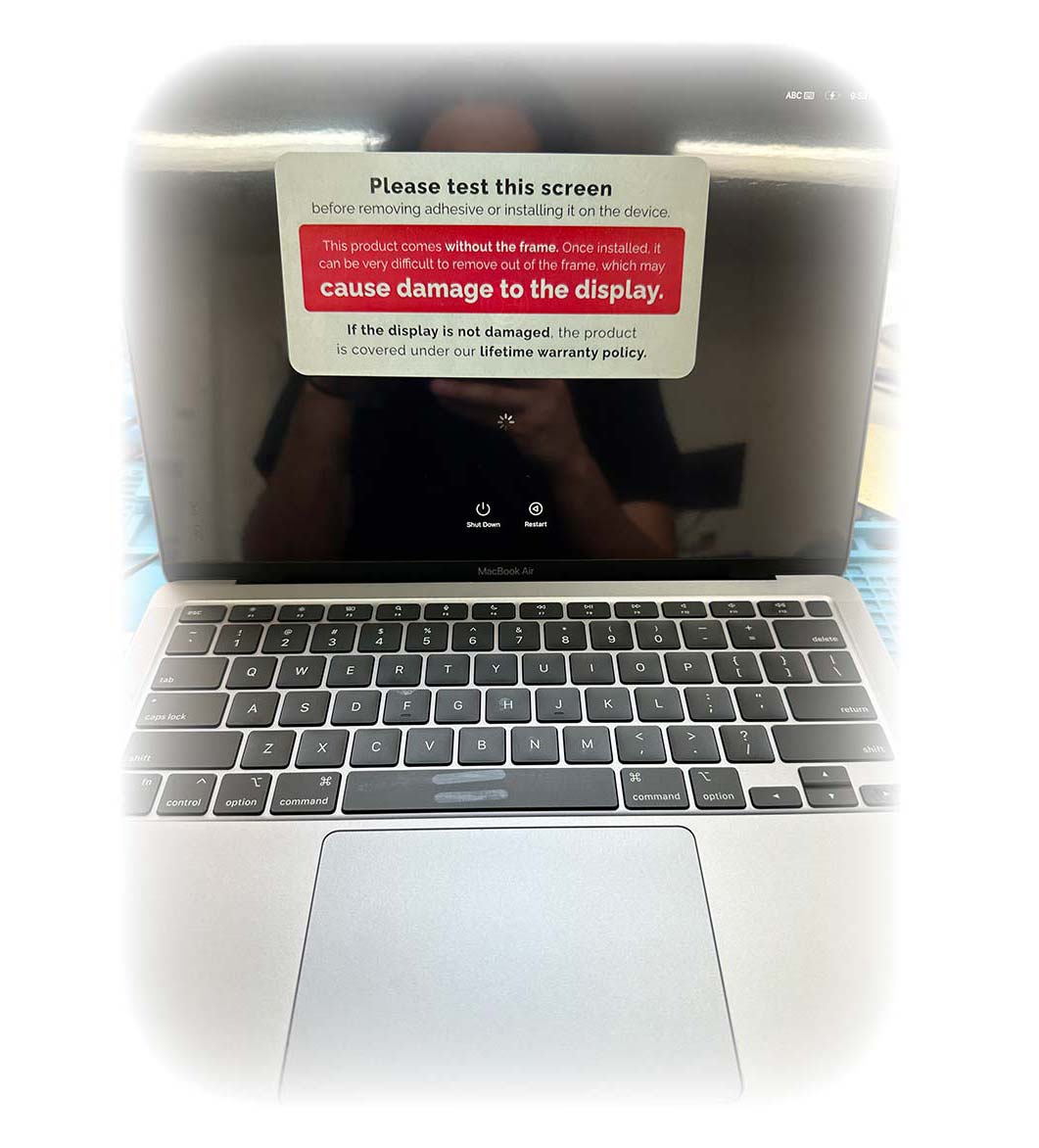
Pros & Cons : Option 2
Pros
Quicker turnaround time of repair if the assembly is in stock, a very good option if you have excessive damage on your original casing, sometimes this may be the only option.
Cons
More expensive in some cases, in some models the "True Tone" functionality is limited, in some cases sleep function may be altered, and frame rate per second may be altered in some of the models. The colour of casing may change based on what our suppliers have in stock. For example if you have Rose Gold colour, and suppliers only have Space Grey or more commonly used colours, then you will have a multi coloured MacBook.
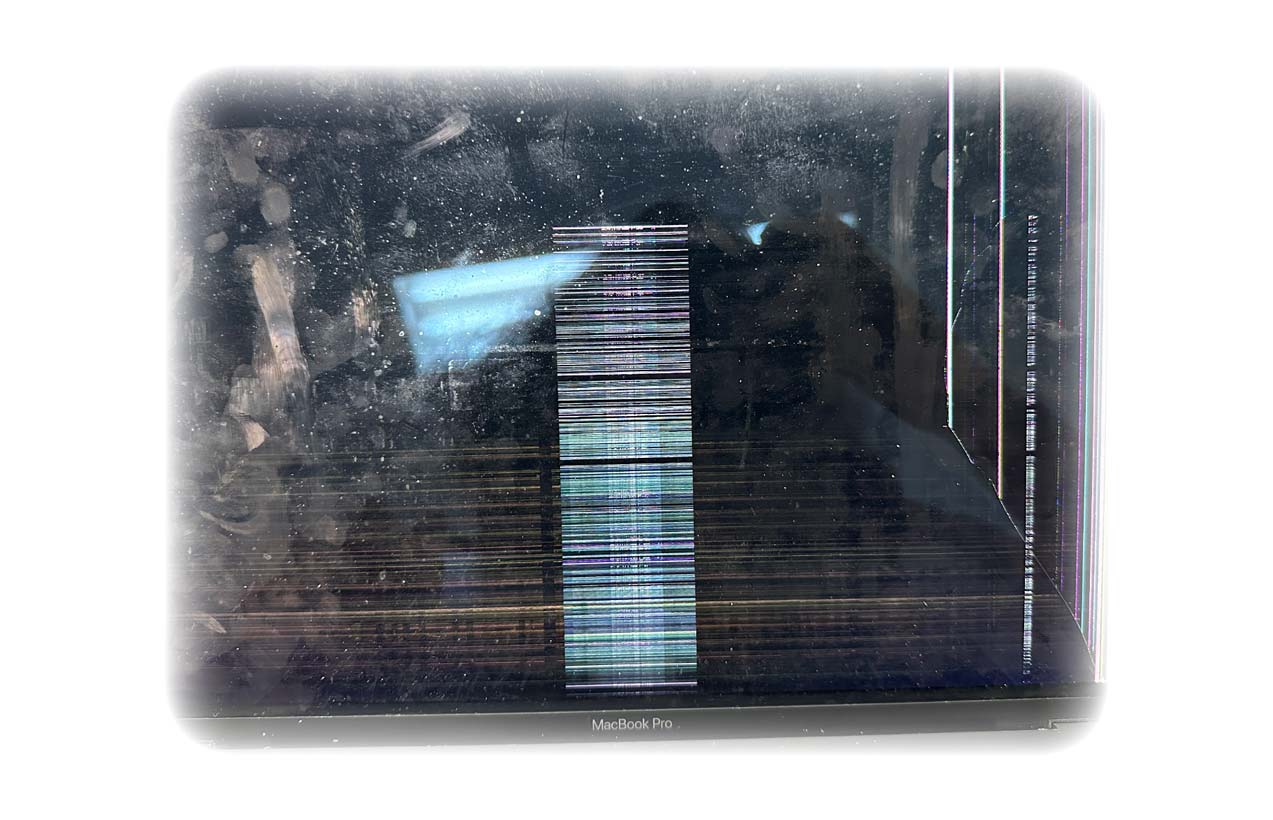
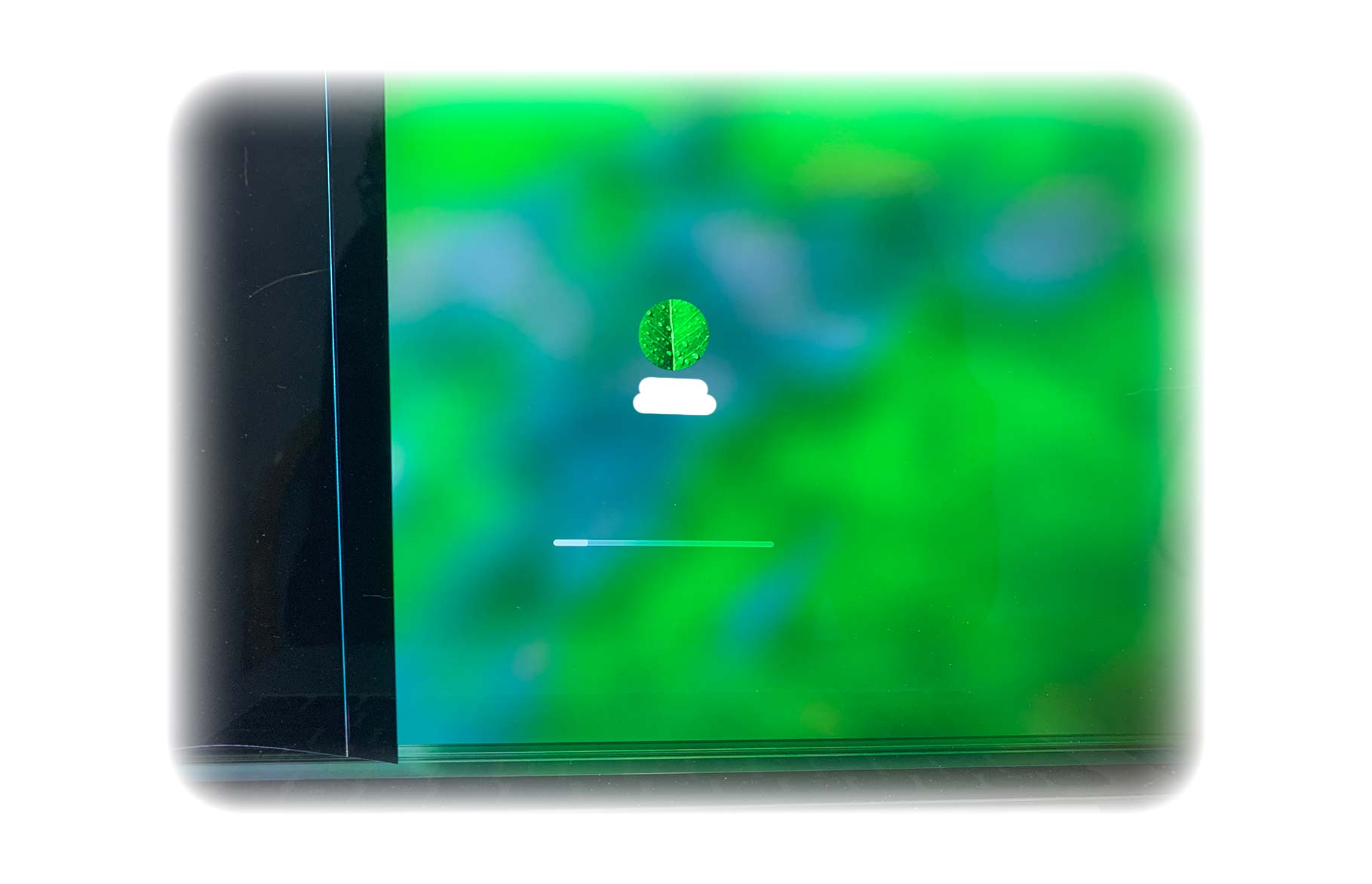
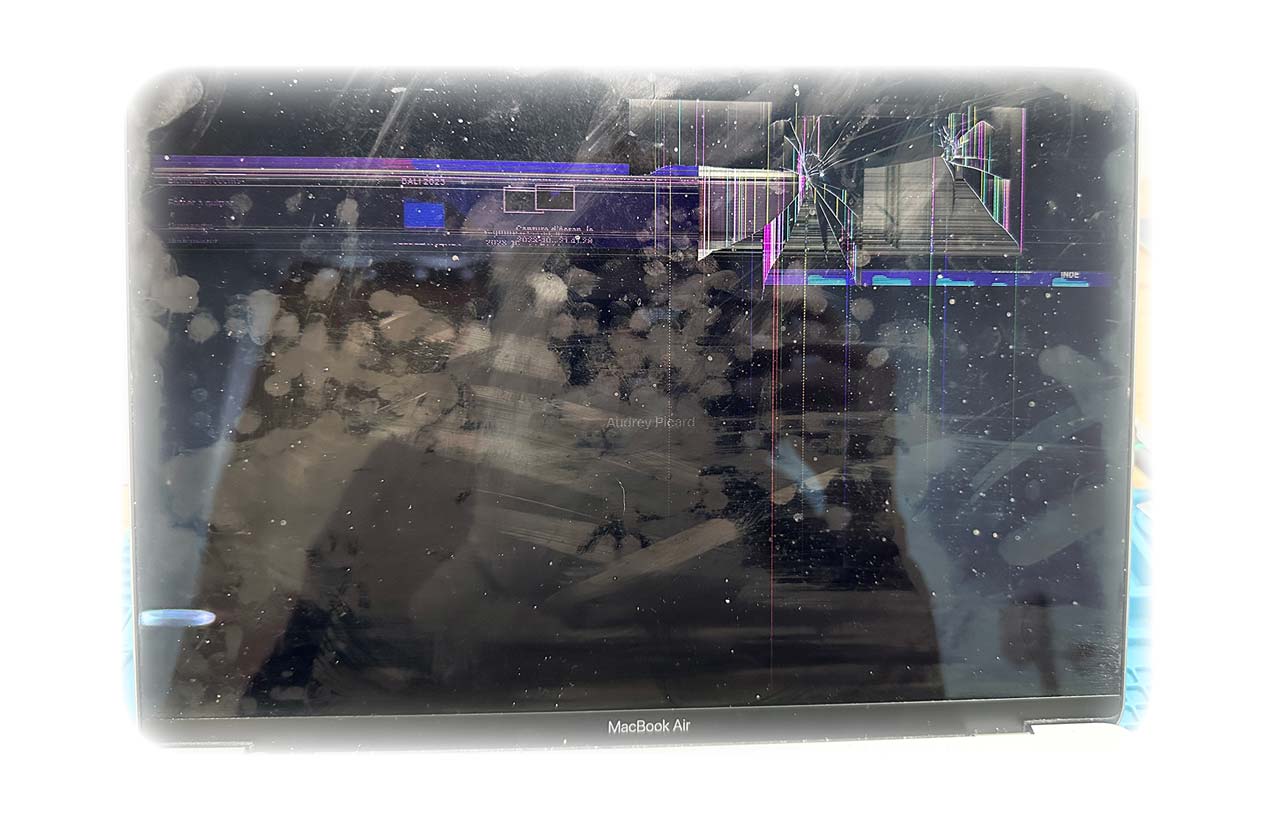
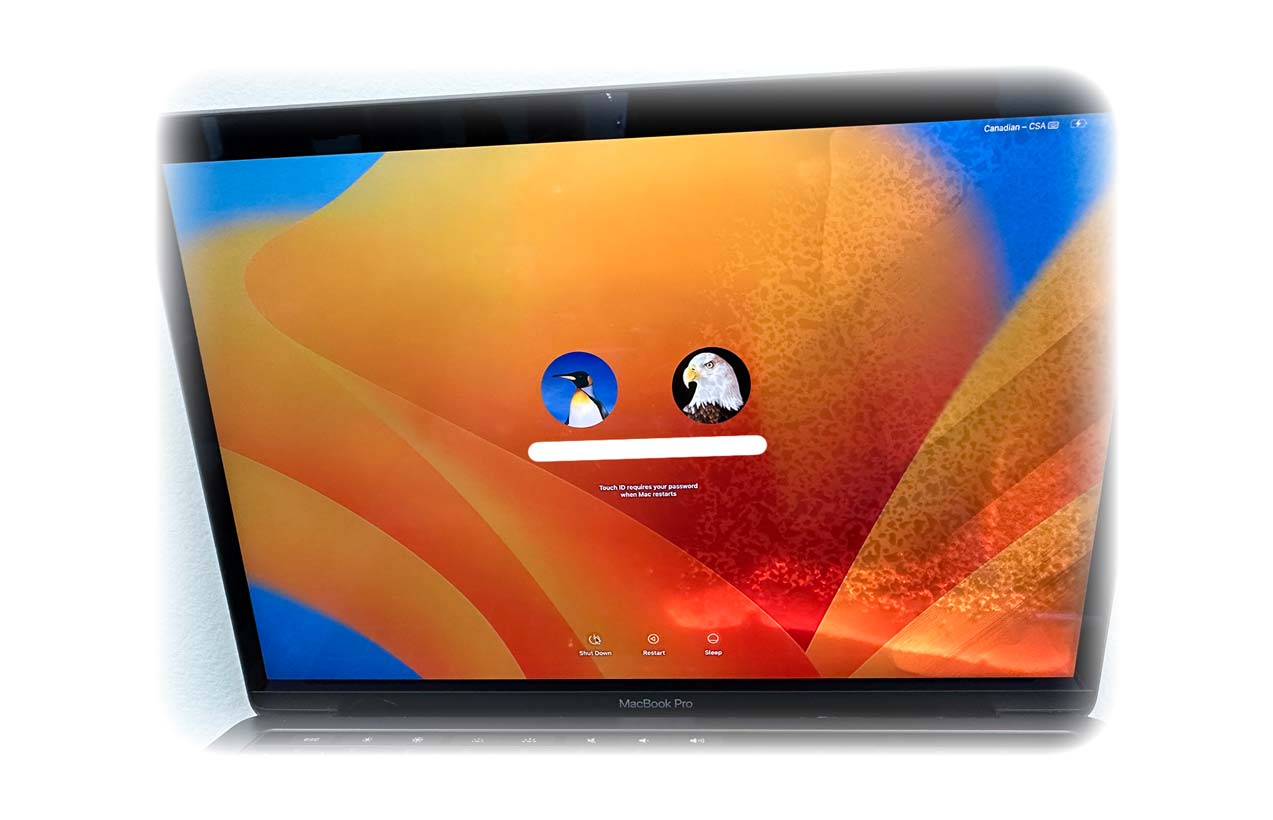
Examples of Broken Screen

Ready for a crystal clear view?
Get your free estimate now. We'll diagnose the damage and recommend the best option for your specific MacBook model.
Also visit our main site: montrealmacbookrepair.com